
How to choose photos for travel websites
Tips on boosting your travel website with great photo work
Joe
1/29/20262 min read
Show the real experience
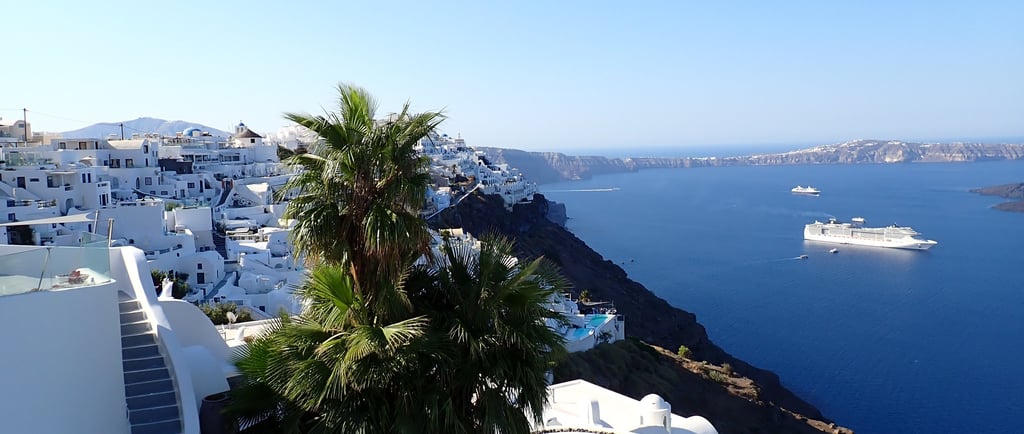
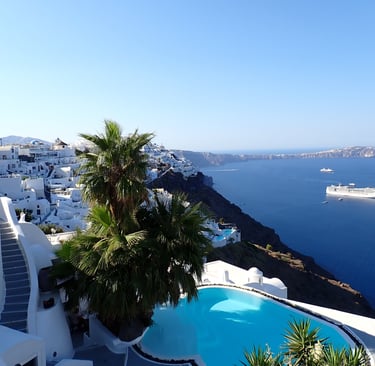
Pick photos that clearly show what visitors will actually see: streets, views, rooms, food, transport, crowds.
Avoid overly filtered or misleading stock photos – they increase bounce rates and complaints.
Prioritize quality and composition
Use sharp, well-lit images (no blur or heavy noise) with a clear subject.
Prefer horizontal (landscape) photos for hero sections and banners; verticals can work for galleries and mobile-first layouts.
Use leading lines (roads, paths, shorelines) and wide shots to create a sense of “being there.”
Optimize for web performance
Aim for a max resolution around ~2000 px on the long edge for full-width images, smaller (800–1200 px) for galleries/thumbnails.
Compress images before upload (e.g., with an online compressor) to keep file sizes low and your site fast.
Don’t overload one page with too many large photos; spread galleries over multiple sections/pages.
Match each section’s goal
Homepage hero: 1–2 striking, wide photos showing the destination’s “wow” factor.
Accommodation / services: clear interior shots, amenities, bathrooms, lobby, views from balconies.
Activities / experiences: people doing things (tours, hikes, food, nightlife) to make it feel bookable, not just “pretty.”
About / story: more personal, behind-the-scenes photos (team, guides, hosts).
Be consistent in style and color
Stick to a similar editing style (warm vs. cool, high contrast vs. soft) to avoid a “patchwork” look.
Try to use a consistent time-of-day feel per page (e.g., golden hour for romantic trips, bright midday for family fun).
Think about accessibility and SEO
Choose photos that can be described clearly: “Santorini white houses with blue roofs at sunset” is better than “random beach.”
Add short, descriptive alt text in the builder (helps screen readers and Google Image search).
Use people strategically
Include people in some photos to show scale, emotions, and atmosphere.
Avoid faces that clearly conflict with your target audience (e.g., party vibe when you sell calm retreats).
If you use your own photos with identifiable people, ensure you have permission or model releases where needed.
Mind licenses and rights
Only use photos you own, licensed stock, or images with a clear usage license (commercial use allowed).
Keep a record of where you got each image and the license terms.
Kultariro
Embracing yesterday, today and forever!
Contact
Newsletter
sales@kultariro.com
© 2026. All rights reserved.